What Is the Dark Web and How Do Onion Services Work?
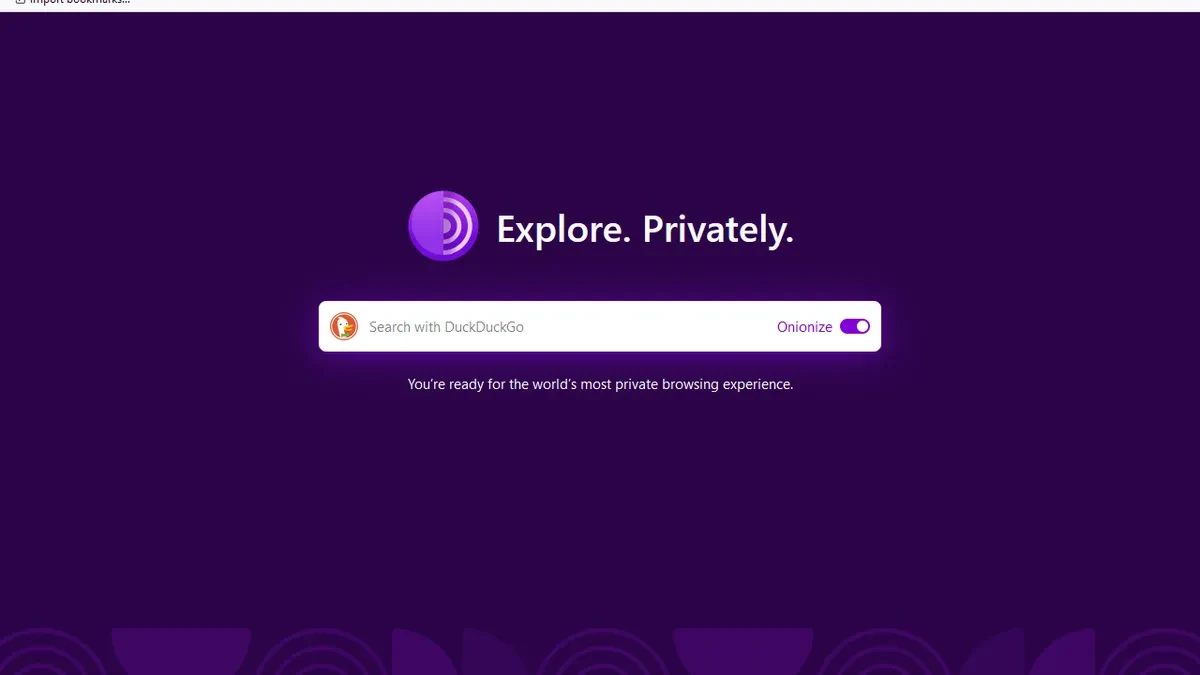
Your private email inbox is not a dark web site. The dark web usually means services on networks that require particular software or configuration, with Tor onion services being a familiar example. If you are asking what the dark web is, the useful distinction is how a service is reached and what the connection protects. An ordinary account login, a Tor connection and a trustworthy website are three separate things. Understanding those differences helps you judge claims about privacy without treating an unfamiliar address as a guarantee of safety.
What the Dark Web Is Used For
An onion service can publish a website while keeping its server address out of the normal connection between the reader and publisher. That is useful when a publisher wants to reduce the exposure of its location or provide an alternative route to a service. It does not require the service to be secret or limited to invited users.
Consider a hypothetical newspaper that offers an onion version of its public website. Readers could find the address on the newspaper's ordinary website and visit it through Tor. The articles could be identical on both versions; the difference would be the connection, rather than a hidden collection of stories.
Tor Project documentation describes onion services as a way to protect both the service and its users at the network level. That explains legitimate uses such as publishing and confidential communication. The same technology can also carry harmful content. The network does not establish who runs a site, whether its claims are true, or whether a particular activity is lawful.
Private Pages, Search Results and Onion Services
The term deep web describes content that ordinary search engines do not index. Your email messages, an account dashboard and a database result behind a login are everyday examples. These pages can use normal web addresses and work in a standard browser; being absent from search results does not mean that they need Tor.
Onion services use a different addressing and connection system. An onion address contains information derived from the service's cryptographic identity, including a public key, checksum and version. It is reached through Tor-compatible software, rather than ordinary public DNS resolution alone.
Search visibility is a separate property. A public page can mention an onion address, and specialist services can index onion content. Conversely, a normal website can deliberately exclude its pages from search. Calling every unindexed page part of the dark web confuses these properties.
For example, a subscription research database remains an ordinary web application even when none of its paid records appear in Google. The login controls access; a special privacy network is not what makes those records private.
What Tor Changes About a Connection
For an ordinary website visit through Tor Browser, traffic passes through a Tor circuit before reaching the destination. The website normally sees a Tor exit relay's address instead of the visitor's direct address. Individual relays have different views of the connection; this separation reduces the information available to any one relay.
An onion-service connection works differently. The reader and service establish Tor circuits that meet within the network, without using an ordinary exit connection to reach that service. Tor Project documentation explains this arrangement as protection for the network locations of both sides.
These are network properties, rather than a promise that the people involved cannot be identified. A person who signs into an existing account still tells that account provider who they are. A message containing a home address can identify its sender even when the connection conceals their IP address.
HTTPS also remains relevant when using Tor to visit ordinary sites. It protects the contents of the connection between the browser and website. Tor does not make an unencrypted website connection safe from every intermediary, and a warning about a certificate should not be dismissed.
Three Limits Explained by the Official Documentation
Tor Project's overview describes limits against an observer who can compare traffic at both ends of a connection. This matters if the concern is targeted surveillance: a privacy network does not remove the need to assess who can observe the surrounding infrastructure.
Tor Browser's safety guidance distinguishes browser traffic from other applications. Opening a downloaded document in another program can create a separate connection. For a hypothetical reader opening a document that loads a remote image, the risk comes from the program making that request, even if the original download used Tor.
The same guidance discourages adding browser extensions. Extra software can change the browser's behavior and make its configuration more distinctive. A long collection of privacy add-ons is therefore not automatically an improvement over the supplied browser.
Tails documentation adds a device-level limitation: a privacy-focused operating system cannot make compromised hardware trustworthy. That is relevant when borrowing a computer or handling sensitive documents. These official limits are more useful than claims that a tool makes every user invisible, because each limit points to a decision the reader can actually make.
A Small Checklist Before Opening an Unfamiliar Service
Start with the publisher, rather than a directory's promise that an address is verified. For an established organization, its independently located official website is a useful place to check whether it publishes an onion address. A copied logo or familiar name inside a Tor page is not equivalent evidence.
- Obtain Tor Browser through the Tor Project's official download route.
- Keep the browser updated and read its built-in security-level descriptions.
- Confirm the intended organization through a source you already trust.
- Decide whether signing in would reveal an identity you intended to keep separate.
- Avoid unexpected downloads and stop at unexplained security warnings.
Suppose a message claims that a newspaper moved its confidential contact page. Following the message immediately would let the sender choose the destination. Visiting the newspaper's established website independently gives you a separate way to check the claim.
This checklist does not certify a website as safe. It reduces dependence on the very message or search result that may be trying to mislead you, while keeping the first visit limited to a purpose you understand.
Choose a Purpose Before Choosing a Tool
There is no need to browse unfamiliar services simply to learn how Tor works. You can first read the official documentation, examine Tor Browser's security settings and use it for ordinary web browsing. That provides a clearer starting point than collecting addresses whose operators and purposes are unknown.
Different questions also lead to different next steps. If you are comparing a private account with an onion site, read the explanation of deep web versus dark web. If the concern is an exposure notification, account recovery and the dark web monitoring guide are more useful than searching for leaked records yourself.
For a hypothetical journalist researching a sensitive subject, the decision should include the device, documents, accounts and intended recipient. A network tool addresses only part of that situation. The recipient's own contact instructions may matter as much as the browser.
A useful step today is to write down one thing you want to protect and who you want to protect it from. Then read the corresponding limitation in Tor's official guidance before adding software or changing settings. That turns a vague promise of anonymity into a specific, reviewable choice.
Sources and official tools
- support.torproject.org: onion
- support.torproject.org: overview
- support.torproject.org: abuse
- Tails: warnings and limitations
Official references checked when this guide was written. Product links contain no affiliate tracking.
Frequently asked questions
Is the dark web the same as the deep web?
No. Deep web commonly refers to content that ordinary search engines do not index, including account pages and private databases. Tor onion services use a different connection system, so lack of search visibility alone does not make a page an onion service.
Can Google find dark web pages?
A normal search result can mention or link to an onion address. Reaching the onion service itself still requires a compatible connection. Specialist indexing also exists, so the claim that onion content can never be indexed is misleading.
Does Tor make me anonymous?
Tor reduces certain kinds of network tracking, but it does not prevent every form of identification. Accounts, messages, documents and a compromised device can reveal information independently of your IP address.
Do I need a VPN to use Tor?
A VPN is not required for Tor Browser. The Tor Project does not generally recommend combining the two unless you understand the configuration and privacy implications. A blocked connection is a reason to consult the official bridge guidance.